
Image generation
Pixel Art Base
Free browser-based image to pixel art converter
- 0community votes
- 0DR by Ahrefs no change since last check
Ahrefs Domain Rating signal 17 Oct 2026, signal shifted 14 Oct 2026.
Pixel Art Base metrics
Signal readout for pixelartbase.com: Ahrefs Domain Rating and Majestic link signals, arrows for the change since the last scan.
- 0 Domain Rating no change since last check
- 0 Trust Flow no change since last check
- 24 Citation Flow no change since last check
- 39 Referring domains no change since last check
- 1,277 External backlinks no change since last check
Ahrefs Domain Rating signal 17 Oct 2026, signal shifted 14 Oct 2026. Majestic signal 14 Oct 2026, signal shifted 14 Oct 2026. Link signals from Majestic. Trust Flow, Citation Flow and Topical Trust Flow are trademarks of Majestic-12 Ltd.
Pixel Art Base domain signal
Public RDAP record, last read 16 Oct 2026, 14:20 UTC.
- Domain age 1 month
- Registered
- Expires
- Registrar Cloudflare, Inc.
- DNSSEC Not signed
Convert photos, logos and illustrations into crisp pixel art online with custom dimensions, palettes and grid export options.
What it is
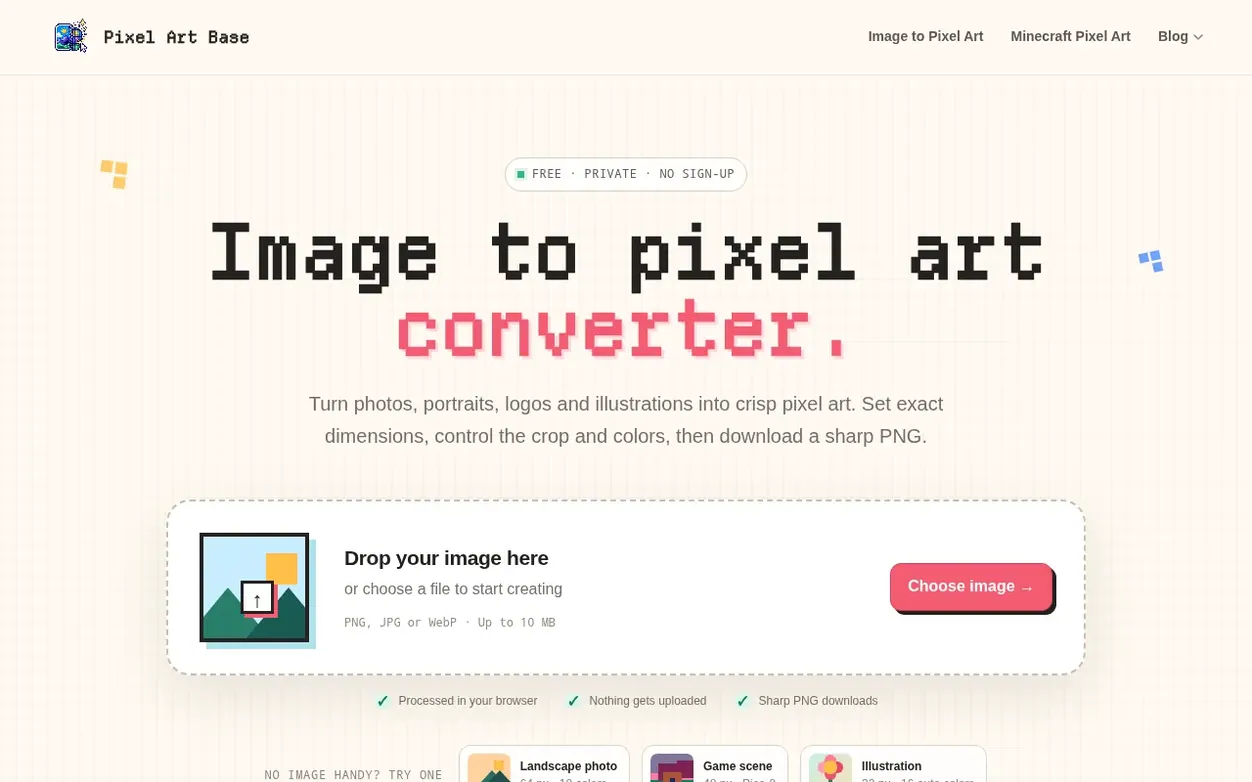
Pixel Art Base is a free online tool that converts images into pixel art directly in your browser. Upload a PNG, JPG or WebP file and customize the output by setting exact dimensions, choosing between proportion and crop controls, and refining colors with built-in retro palettes or custom color selections. The tool supports dithering for gradient preservation and allows you to download sharp PNG files at multiple scales or with pixel-by-pixel grid references. All processing happens locally on your device with no uploads or sign-ups required.
Systems
- Custom pixel dimensions and exact size control
- Keep proportions or crop to exact size
- Custom and preset color palettes
- Dithering support for gradients
- Multiple PNG export scales and grid options
- Transparent background preservation
- Local browser-based processing
- Supports PNG, JPG and WebP input formats
Pricing
Pricing model: Free
Quick answers
- How do I turn an image into pixel art?
- Upload a PNG, JPG or WebP image, adjust the pixel size or enter exact dimensions, then choose Keep Original Proportions or Crop to Exact Size. Refine the colors and palette in the live preview before downloading a crisp PNG.
- Can I use a custom pixel art color palette?
- Yes. You can keep colors from the original image, use a built-in retro palette, or create a custom palette with your own colors. Limiting the palette can give your pixel art a cleaner, more consistent style.
- What does dithering do in pixel art?
- Dithering mixes alternating pixels of different colors to create the appearance of additional shades. It can help preserve gradients and details when using a limited color palette, while turning it off produces cleaner areas of solid color.
- Can I keep a transparent background?
- Yes. If your PNG contains transparent areas, those pixels remain transparent in the converted pixel art and the exported PNG.
- Is this image-to-pixel-art converter free?
- Yes. The converter is free to use online, requires no sign-up and works in modern desktop and mobile browsers. Image processing happens locally in your browser, so your original image does not need to be uploaded to a server.
Pixel Art Base has a free listing. The owner can unlock the full profile with a paid launch for $5:
- Founder story (locked)
- Milestones (locked)
- Demo video (locked)
- Dofollow website link (locked)
Also on the frontier
-

Rank 1: asciiartimage
Convert photos to ASCII art in your browser, with optional AI restyle for recognizable faces
DR 0 no change since last check 0 votes. Log in to send asciiartimage a vote -
 DR 9 no change since last check 0 votes. Log in to send Unpixelate AI a vote
 -

Rank 3: CleanWhiteBG
Change image background to white in one click for product photos, portraits and more
DR 8 +2 (up) since last check 0 votes. Log in to send CleanWhiteBG a vote -

Rank 4: Asciinova Image to ASCII Converter
Free online image to ASCII art generator that runs locally in your browser
DR 7 no change since last check 0 votes. Log in to send Asciinova Image to ASCII Converter a vote