
Image generation
Low Quality Image Maker
Free browser tool to deliberately degrade images with compression, downscaling, and pixelation
- 0community votes
- 29DR by Ahrefs +1 (up) since last check
Ahrefs Domain Rating signal 16 Oct 2026, signal shifted 10 Oct 2026.
Low Quality Image Maker metrics
Signal readout for lowqualityimage.xyz: Ahrefs Domain Rating and Majestic link signals, arrows for the change since the last scan.
- 29 Domain Rating +1 (up) since last check
- 23 Trust Flow no change since last check
- 29 Citation Flow no change since last check
- 137 Referring domains no change since last check
- 865 External backlinks no change since last check
Ahrefs Domain Rating signal 16 Oct 2026, signal shifted 10 Oct 2026. Strongest signal topic: Sports/Soccer (23). Majestic signal 8 Oct 2026, signal shifted 8 Oct 2026. Link signals from Majestic. Trust Flow, Citation Flow and Topical Trust Flow are trademarks of Majestic-12 Ltd.
Low Quality Image Maker domain signal
Public RDAP record, last read 16 Oct 2026, 14:18 UTC.
- Domain age 5 months
- Registered
- Expires
- Registrar Spaceship, Inc.
- DNSSEC Not signed
A free, browser-based tool that deliberately reduces image quality through compression, resolution reduction, and optional pixelation, blur, grain, and color
What it is
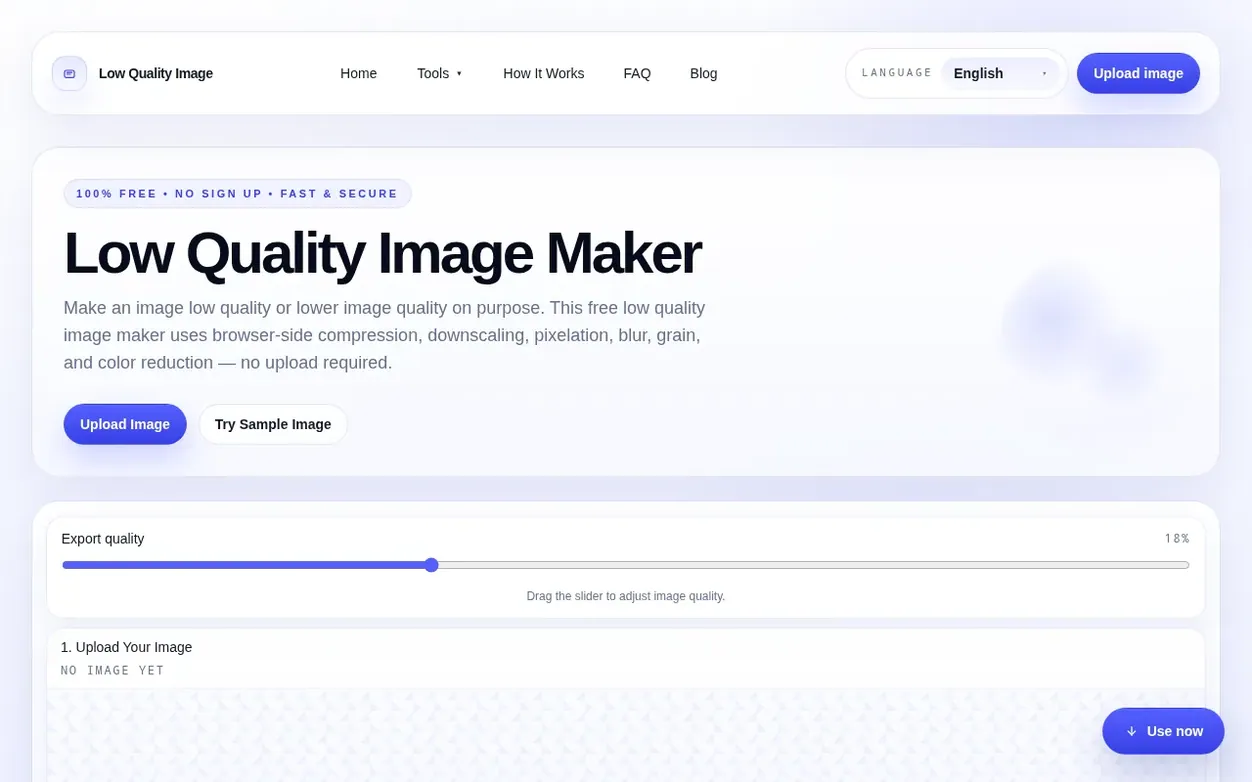
Low Quality Image Maker is a free online tool designed to intentionally degrade image quality for creative purposes. The tool runs entirely in the browser using the Canvas API, allowing users to upload clean photos, screenshots, or graphics and transform them into deliberately degraded versions through adjustable compression, resolution reduction, pixelation, blur, grain, and color reduction. Users can preview changes in real-time before downloading results as JPEG, PNG, or WebP formats.
The service is built for users who need rough, internet-native aesthetics on purpose, such as creating memes, reaction images, mock low-budget assets, or simulating archived or reposted looks. It includes six preset styles—Bad Screenshot, Old Camera, Over-compressed, Blurry Repost, Noisy Social Upload, and Pixel Game—each with specific settings designed to recreate recognizable degradation patterns. Processing happens locally on the user's device with no file uploads, accounts, or server-side processing required.
Systems
- Compression quality adjustment
- Downscaling and resolution reduction
- Pixelation effect
- Six built-in preset styles
- Real-time preview
- Local browser processing
- Supports large files
Pricing
Pricing model: Free
Quick answers
- What is a low quality image maker?
- A low quality image maker is a tool that deliberately lowers image quality by combining compression, reduced resolution, and optional pixelation, blur, grain, and color reduction to transform clean photos, screenshots, or graphics into rough, degraded versions while keeping the file on your device.
- Does Low Quality Image upload my files to a server?
- No. The tool runs entirely in your browser using the Canvas API, so images stay on your device unless you choose to share them yourself.
- What image formats are supported?
- You can upload JPG, PNG, and WebP files up to 100MB, and export the degraded result as JPEG, PNG, or WebP.
- Can I preview changes before downloading?
- Yes. The preview updates in real time as you adjust presets, quality, scale, and output format, so you can see the damage before saving.
- Do I need to create an account?
- No. There is no login, queue, or server-side processing. Everything happens locally in your browser without requiring any account or sign-up.
Low Quality Image Maker has a free listing. The owner can unlock the full profile with a paid launch for $5:
- Founder story (locked)
- Milestones (locked)
- Demo video (locked)
- Dofollow website link (locked)
Also on the frontier
-

Rank 1: asciiartimage
Convert photos to ASCII art in your browser, with optional AI restyle for recognizable faces
DR 0 no change since last check 0 votes. Log in to send asciiartimage a vote -
 DR 9 no change since last check 0 votes. Log in to send Unpixelate AI a vote
 -
 DR 0 no change since last check 0 votes. Log in to send Pixel Art Base a vote
 -

Rank 4: CleanWhiteBG
Change image background to white in one click for product photos, portraits and more
DR 8 +2 (up) since last check 0 votes. Log in to send CleanWhiteBG a vote