
Video generation
VidPackit
Compress video in your browser with no upload, no watermark and no signup
- 0community votes
- 17DR by Ahrefs +1 (up) since last check
Ahrefs Domain Rating signal 13 Nov 2026, signal shifted 6 Nov 2026.
A free online tool that compresses MP4, WebM, MOV and MKV video files in your browser without uploading them to a server, with flexible quality levels and no
What it is
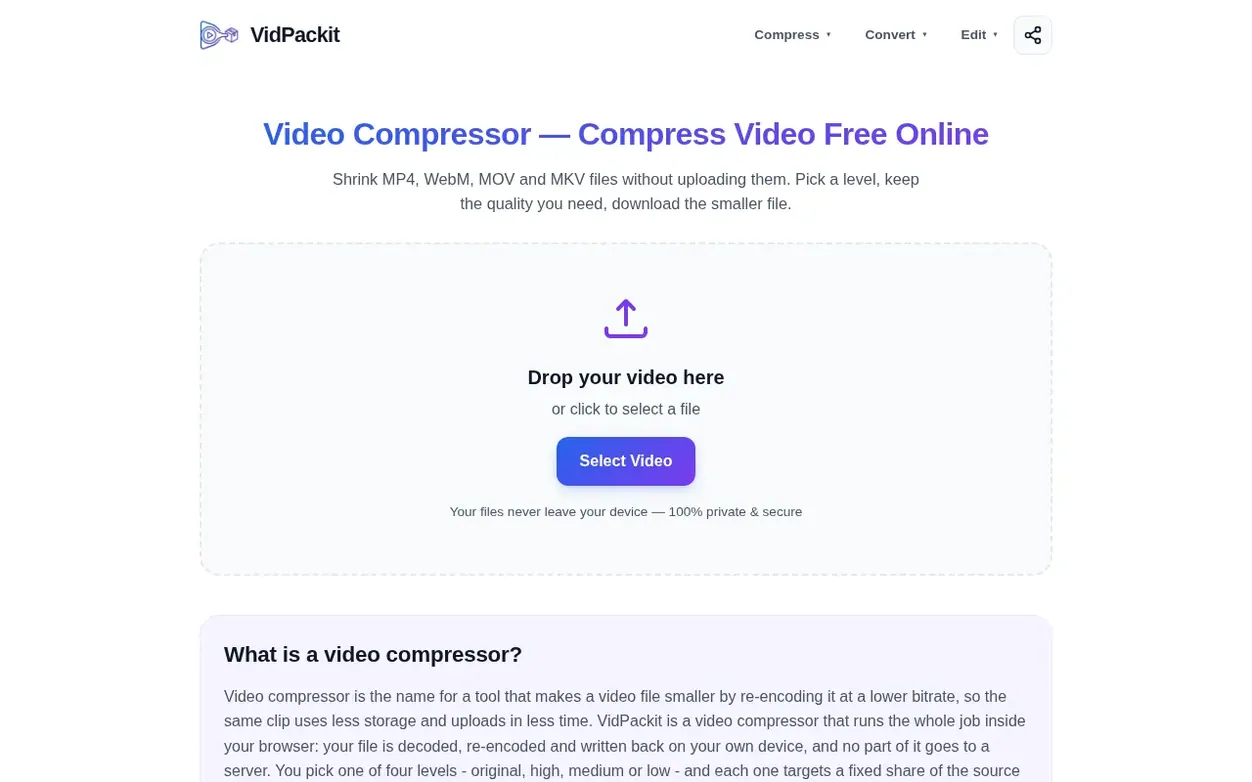
VidPackit is a free video compressor that runs entirely in your browser, letting you shrink MP4, WebM, MOV and MKV files without uploading them to any server. You pick one of four compression levels—Original, High, Medium or Low—and each targets a specific share of your source video's bitrate, ensuring the output is never larger than the input. The tool supports eleven output formats: MP4, WebM, MOV, MKV, M4V and MPEG for video, plus MP3, AAC, WAV, FLAC and OGG for audio-only extraction.
All encoding happens on your device using WebCodecs, so your files never leave your computer. You can see the target bitrate before you start compressing, drop the resolution to 720p, 480p or 360p if needed, and download the result immediately. There is no account, no watermark, no daily limit and no artificial file size cap—the only limit is your device memory. The tool works on desktop Chrome and Edge, and includes additional features like video trimming, frame extraction, image compression and watermark removal.
Systems
- Compress video at four quality levels: Original, High, Medium, Low
- View target bitrate before compressing
- Convert between eleven output formats in one screen
- Downscale resolution to 720p, 480p or 360p
- Extract audio tracks as MP3, AAC, WAV, FLAC or OGG
- Process videos entirely in browser with WebCodecs
- Trim videos to remove unwanted sections
- Extract frames as JPG or PNG
- No file size limit set by the service
- Works on mobile browser without app installation
Pricing
Pricing model: Free
Want to see what VidPackit does next? Follow them for milestones, new products and stories by email.
VidPackit metrics
Signal readout for vidpackit.com: Ahrefs Domain Rating and Majestic link signals, arrows for the change since the last scan.
- 17 Domain Rating +1 (up) since last check
- 6 Trust Flow no change since last check
- 29 Citation Flow no change since last check
- 38 Referring domains no change since last check
- 567 External backlinks no change since last check
Ahrefs Domain Rating signal 13 Nov 2026, signal shifted 6 Nov 2026. Strongest signal topic: Computers/Software/Operating Systems (6). Majestic signal 25 Oct 2026, signal shifted 25 Oct 2026. Link signals from Majestic. Trust Flow, Citation Flow and Topical Trust Flow are trademarks of Majestic-12 Ltd.
VidPackit domain signal
Show the signal details
Public RDAP record, last read 13 Nov 2026, 13:01 UTC.
- Domain age 2 months
- Registered
- Expires
- Registrar Cloudflare, Inc.
- DNSSEC Not signed
VidPackit post-launch signal
The record for VidPackit after its launch on Nexora Launch (25 October 2026), from the readings we keep.
- 17 Domain Rating (Ahrefs) +1 (up) since launch
at launch: 16 (25 Oct 2026); latest: 12 Nov 2026 - 6 Trust Flow (Majestic)
first measured 25 Oct 2026 - 38 Referring domains (Majestic)
first measured 25 Oct 2026
Day 18 since launch. Next receipt: day 30, 24 Nov 2026. A change here is a reading, not a claim about its cause; lots of things move these figures. Anything we do not measure is not shown.
Got a launch coming up?
Plan your launch with our free playbook, from preparing your listing to choosing more launch directories.
Quick answers
- Does compressing a video reduce its quality?
- Yes, lowering the bitrate removes some detail, which is what makes the file smaller. The Original level keeps the source bitrate and copies audio untouched when the container allows it. High targets 70% of the source video bitrate, while Medium and Low trade more detail for a smaller file. VidPackit shows the target bitrate before you start so you can compare on your own video.
- Is VidPackit free?
- Yes. There is no account, no payment step, no daily limit and no watermark on the output. You can compress as many files as your device can handle.
- Are my videos uploaded anywhere?
- No. Encoding runs in your browser with WebCodecs, so the file never leaves your device. You can verify this by opening the Network tab in browser developer tools before you start and checking that no video data leaves your device.
- Which browsers work?
- Desktop Chrome and Edge. They ship the complete WebCodecs support needed for in-browser encoding. Other browsers show a warning above the tool, and formats they cannot encode are greyed out.
- What is bitrate and how does it affect my video?
- Bitrate is how much data each second of video uses. Higher bitrate means more detail and a bigger file; lower bitrate means a smaller file with softer detail. VidPackit shows the target bitrate each level aims at for your specific file before you start, so you can compare visually instead of guessing.
VidPackit has a free listing. The owner can unlock the full profile with a paid launch for $5:
- Founder story (locked)
- Milestones (locked)
- Demo video (locked)
- Dofollow website link (locked)
Also on the frontier
-
 DR 0 no change since last check 0 votes. Log in to send Clipzy a vote
-

Rank 2: VideoScripter
AI video generator that transforms text prompts and images into professional videos
DR 0 no change since last check 0 votes. Log in to send VideoScripter a vote -

Rank 3: Rap Video Vibe
AI rap video generator for creating short performance clips from photos
DR 6 no change since last check 0 votes. Log in to send Rap Video Vibe a vote -

Rank 4: Diorama
Turn your website or product idea into a Rick and Morty style explainer video
DR 0 no change since last check 0 votes. Log in to send Diorama a vote