
Video generation
Kape
Free screen recorder and editor in your browser
- 0community votes
- 19DR by Ahrefs no change since last check
Ahrefs Domain Rating signal 17 Oct 2026, signal shifted 11 Oct 2026.
Kape metrics
Signal readout for kape.kalter.tech: Ahrefs Domain Rating and Majestic link signals, arrows for the change since the last scan.
- 19 Domain Rating no change since last check
- 7 Trust Flow no change since last check
- 7 Citation Flow no change since last check
- 2 Referring domains no change since last check
- 8 External backlinks no change since last check
Ahrefs Domain Rating signal 17 Oct 2026, signal shifted 11 Oct 2026. Strongest signal topic: Regional/Asia (7). Majestic signal 11 Oct 2026, signal shifted 11 Oct 2026. Link signals from Majestic. Trust Flow, Citation Flow and Topical Trust Flow are trademarks of Majestic-12 Ltd.
Kape domain signal
Public RDAP record, last read 16 Oct 2026, 14:18 UTC.
- Domain age 1 year
- Registered
- Expires
- Registrar Network Solutions, LLC
- DNSSEC Not signed
A free browser-based tool to record screens, add backgrounds and rounded corners, and export videos as MP4 files.
What it is
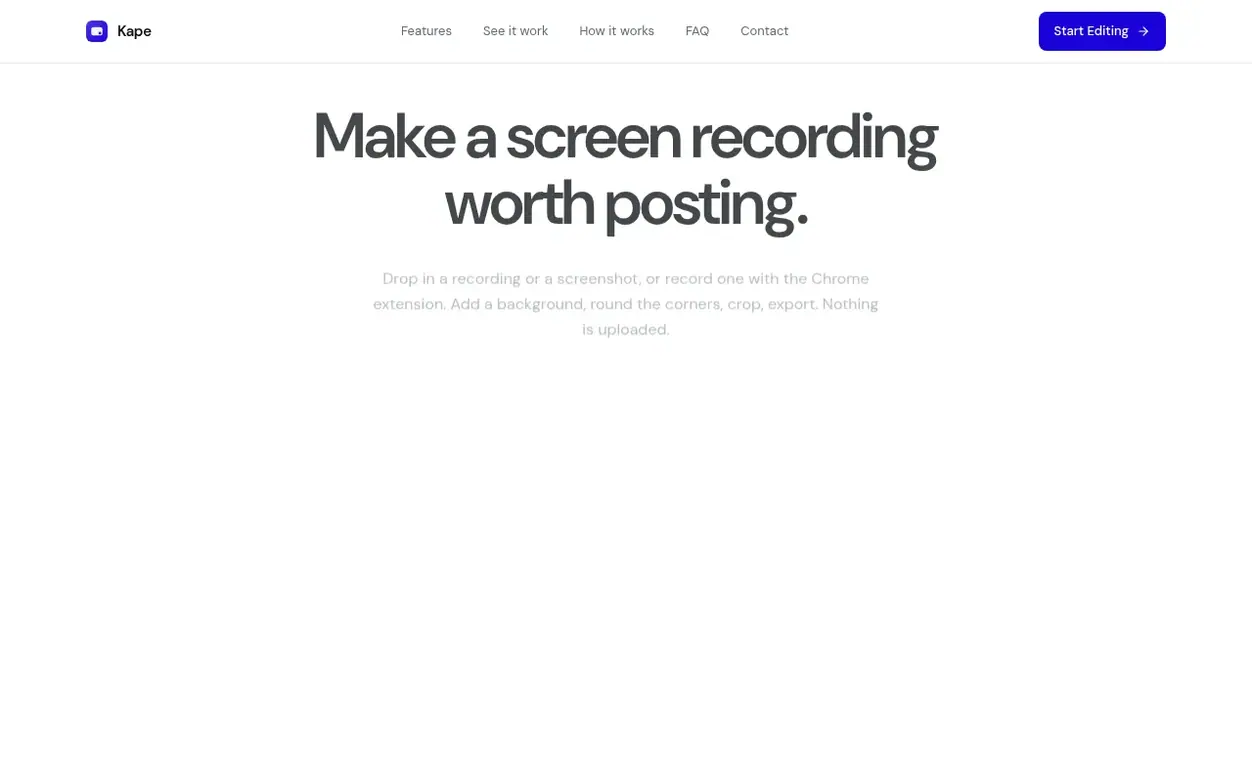
Kape is a free web application that lets you record your screen, add a professional background, round the corners, and export the result as an MP4 video. You can bring your own screen recording or screenshot, or use the Kape Recorder Chrome extension to capture directly from your browser tab, window, or entire screen.
All processing happens in your browser with nothing uploaded to any server. The tool supports MP4, MOV and WebM recordings as input, and PNG, JPEG or WebP stills. Every frame is encoded from the source and written straight to disk, with no need to create an account or provide an email address.
Kape runs on Windows, Linux, macOS and ChromeOS wherever Chrome or Edge is available. You can customize your videos with different backgrounds including wallpapers, gradients, solid colours or your own images, adjust padding and shadows, crop to any shape, and export in any aspect ratio.
Systems
- Add background, round corners, and frame screen recordings
- Multiple background options including wallpapers, gradients, solid colours, and custom images
- Crop recordings to any shape and aspect ratio
- Edit and export screenshots as PNG
- Chrome extension to record browser tab, window or entire screen
- Support for MP4, MOV and WebM input formats
- Blur and adjust opacity of backgrounds
- Trim dead air from the start and end of recordings
- Real-time preview of edits
Pricing
Pricing model: Free
Free. Optional tip available.
Quick answers
- Is it really free?
- Yes, and there is nothing to buy later. You can leave an optional tip if it saves you time, but the entire tool works without one.
- Where does my recording go?
- Nowhere. Kape opens the file from your disk and does all the work in the browser tab. Nothing is uploaded, so nothing can leak.
- Do I need an account?
- No. There is no sign-up, no email to hand over, and nothing to install. Just open the studio and drop a file in.
- Can Kape record my screen for me?
- Yes, in Chrome. The Kape Recorder extension records a browser tab, window or whole screen with tab sound and microphone if wanted, and opens the recording in the studio. Any recording your machine already makes also works.
- Is Kape a free alternative to Screen Studio?
- For basic screen recording with background, rounded corners and shadow exported as MP4, yes. Kape is free and browser-based on any operating system. Screen Studio is a paid Mac app that also records, zooms on cursor and smooths cursor motion, which Kape does not yet do.
Kape has a free listing. The owner can unlock the full profile with a paid launch for $5:
- Founder story (locked)
- Milestones (locked)
- Demo video (locked)
- Dofollow website link (locked)
Also on the frontier
-

Rank 1: SeedanceGen
Multi-modal AI video generator for creating professional videos from text, images, video, and audio
DR 5 no change since last check 0 votes. Log in to send SeedanceGen a vote -

Rank 2: H3Art
MiniMax H3 AI video generator for text-to-video and image-to-video creation
Video generationUnited Kingdom
DR 14 no change since last check 0 votes. Log in to send H3Art a vote -

Rank 3: Demogent
Browser-based motion graphics editor for creating product demo and launch videos
DR 9 no change since last check 0 votes. Log in to send Demogent a vote -

Rank 4: Website Scroll Video
Turn any web page into a smooth scrolling video. No watermark.
Video generationStartupIndia
DR 14 +2 (up) since last check 0 votes. Log in to send Website Scroll Video a vote